
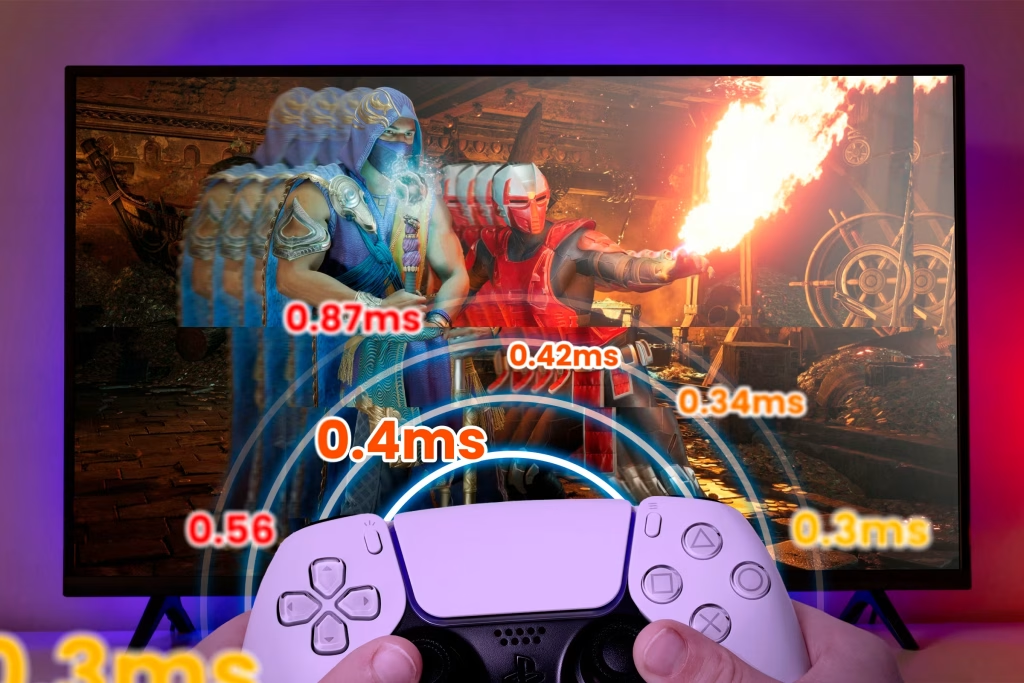
How to fix lag and high ping
Lag and high ping are some of the most common and frustrating problems gamers face. Whether you’re playing online shooters or multiplayer games, a slow connection can completely ruin your experience. Luckily, there are several ways to fix this.
Ping
Ping measures how fast your device communicates with the game server. High ping causes delays and stuttering gameplay. The most common cause is a weak or unstable internet connection.
First, check your internet connection. Using a wired ethernet cable instead of Wi-Fi can instantly reduce lag. If Wi-Fi is your only option, make sure you’re close to the router and not sharing the network with too many devices.
Second, close background apps. Downloads, streams, or updates running in the background makes the gaming device do many things at once and increase lag. This is especially important on PC.
Third, check in-game settings. Many games allow you to choose a server region. Always select the server closest to your location. Lowering graphics settings can also help improve performance and FPS (Frames Per Second).
Another tip is to restart your router regularly. This refreshes the connection and can solve small network issues. If lag keeps happening, your internet speed might simply be too low for gaming.
By improving your setup and connection, you can enjoy smoother gameplay and better results online.